Incident Readiness Without a SOC: A 30-Day Plan for Lean IT Teams
How lean IT teams can build incident readiness in 30 days: logging baseline, escalation runbook, and tabletop exercises without a dedicated SOC.
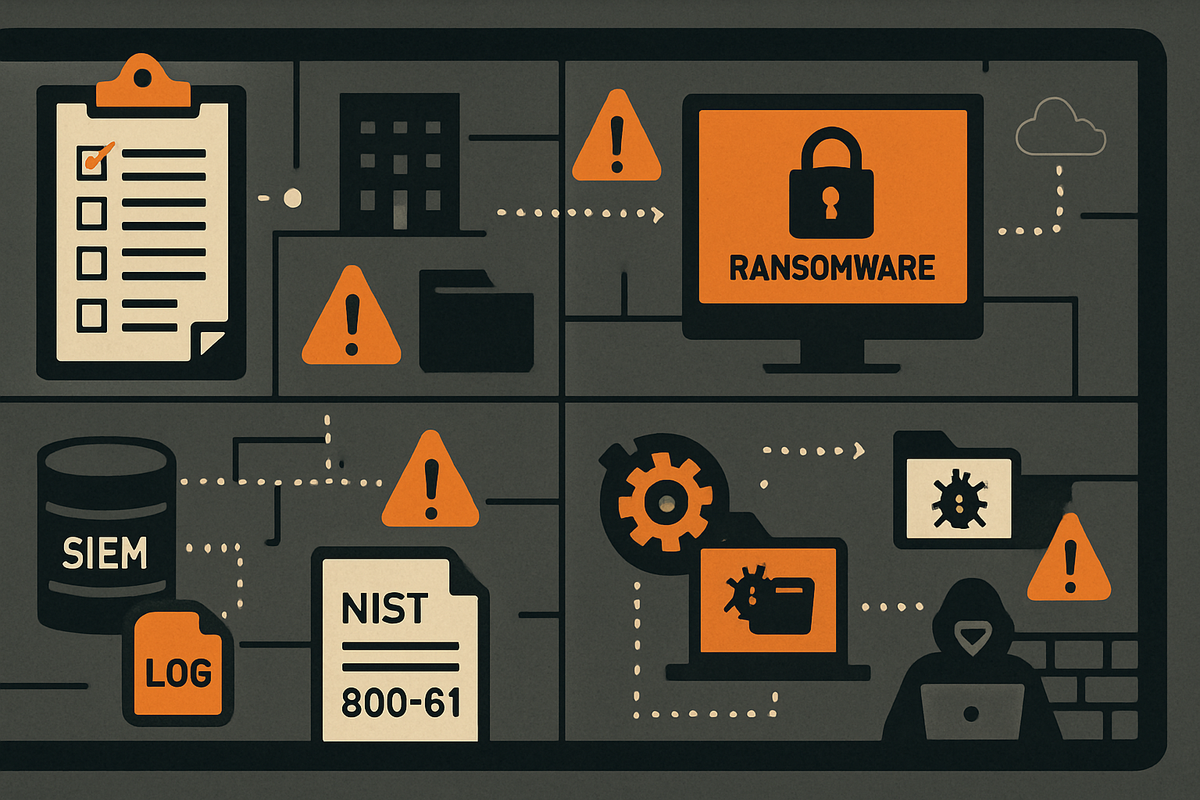
The call comes in at 6 AM. A user can't open their files. The files are renaming themselves with a strange extension. You pull up the server. Half the shared drives are already gone. You have no runbook, no SIEM, no idea which logs to check first. You need to know who has the authority to pull the server offline. So you make calls. You wait. Ninety minutes later, containment starts. By then the backup server is encrypted too.
That's not a worst case. It's the median outcome when a small IT team encounters ransomware without any readiness infrastructure.
Most incident response frameworks assume a staffed SOC, dedicated SIEM operators, and 24/7 coverage. They were written for teams of 20. If you're a one- or two-person shop, they don't map to your reality.
In 30 days you can close the three gaps that determine whether you contain an incident or watch it spread: a minimal logging baseline, a one-page escalation runbook, and a tabletop habit that costs nothing to run.
Why the Window Is Smaller Than You Think
Attackers don't linger. CrowdStrike's 2024 Global Threat Report puts the median eCrime breakout time at 62 minutes. That's the window between initial access and lateral movement to your next system.
The global median dwell time has dropped to 10 days (Mandiant M-Trends 2024), but that number is pulled down by enterprises with EDR at scale. Smaller organizations without centralized logging typically don't discover intrusions until ransomware executes or an outside party calls them. The Verizon DBIR 2024 found that 70% of SMB breaches were discovered externally, not by the organization. Ransomware was involved in roughly 32% of SMB breaches, up from 23% the prior year.
The contributing factors show up in the same post-incident reports, over and over: no centralized log aggregation, no alert baseline, no defined escalation decision point. The team didn't know what "bad enough to act" looked like.
Without detection infrastructure, the 62-minute window is functionally zero. You're not racing the attacker. The race is already over before you know it started.
Your Logging Minimum (Start Here)
These are the log sources that show up missing in post-incident forensics at under-resourced organizations more than any other. These aren't SIEM optimizations. They're the floor.
Windows Authentication and Account Events
Enable collection of Windows Security Event Log IDs: 4624 and 4625 (logon success and failure), 4648 (explicit credential use), 4720 and 4726 (account creation and deletion), 4732 and 4733 (security group membership changes). These require no additional tooling. They come from Windows itself, and they cover the most common initial-access and privilege escalation indicators.
Process Creation and PowerShell
Event ID 4688 (process creation) is off by default on Windows. Turn it on via audit policy. Without it, you have no record of what ran on your systems during an incident.
PowerShell script block logging (Event ID 4104) also requires a Group Policy change. Most commodity ransomware uses PowerShell for delivery. Without this log, the initial access vector is frequently unrecoverable. CISA has flagged both gaps in advisory after advisory. They're still the most common absence in SMB post-breach forensics.
Firewall and DNS
Log denied outbound and all inbound-accepted traffic at the perimeter. You can't detect lateral movement or C2 beaconing without it.
Passive DNS logging at your internal resolver costs almost nothing. DNS queries to unusual domains or high-entropy hostnames are often the only evidence a compromise was running for weeks before anyone noticed. You find them after the fact only if the logs exist.
VPN Authentication
Log every authentication event, success and failure, with source IP, timestamp, and user identity. VPN is consistently one of the first places attackers validate stolen credentials.
M365 and Entra ID
The Microsoft 365 Unified Audit Log covers Exchange, SharePoint, Teams, and Entra ID sign-in events. Default retention is 90 days on E3/E5. Entra ID sign-in and audit logs carry 30-day free retention in the portal and can be exported to Log Analytics if you later add Microsoft Sentinel.
You need a platform to aggregate these sources. Three realistic options at SMB scale: Microsoft Sentinel (strong fit for M365-heavy environments; several connectors are free), Wazuh (open-source, self-hosted, solid multi-OS coverage), and Elastic Security (powerful query and visualization, higher infrastructure overhead). For a detailed comparison, see the companion guide on SIEM selection for lean teams.
Build a One-Page Escalation Runbook
The escalation runbook is a decision tree, not a policy document. Before an incident happens, everyone on your team should know exactly which conditions trigger escalation and exactly who to call.
These five triggers belong in your runbook:
- Authentication events from unexpected source hosts (lateral movement indicator)
- A new domain admin account or unexpected security group membership change (privilege escalation)
- More than 1 GB outbound to an unfamiliar IP during off-hours (potential exfiltration)
- Canary file triggered, or a user reports files are encrypting (ransomware indicator)
- More than 50 failed M365 or Entra logon attempts in a 15-minute window from a known-bad IP range (credential stuffing)
How to Triage What You're Seeing
NIST SP 800-61r3 (2025) gives a three-axis model that works for lean teams. Score the incident on:
- Functional impact: none, minor, major, or loss of control
- Information impact: none, privacy breach, proprietary breach, or integrity loss
- Recoverability: regular, supplemented, extended, or not recoverable
Minor functional impact plus regular recoverability means handle it in-house. Major impact or extended recoverability means escalate to your MSSP. Not recoverable or integrity loss means MSSP plus legal plus executive notification.
Get Your MSSP Retainer Before You Need It
An MSSP retainer is the SOC substitute for lean teams. Pricing runs roughly $500 to $2,000 per month depending on scope. Escalate when any event exceeds your team's containment confidence. I'd call the MSSP early and let them scope the incident. Speed of escalation matters more than the completeness of your internal investigation.
Pre-Authorize Containment
Write down who has the authority to isolate a system without manager approval, and put it in the runbook before an incident. Post-incident reviews consistently flag multi-hour approval delays as a direct contributor to scope expansion. That 90-minute delay in the opening scenario isn't unusual. It's what happens when containment authority hasn't been settled in advance.
Run Your First Tabletop This Quarter
A tabletop doesn't require an external facilitator, a simulation platform, or a budget. NIST SP 800-84 is direct on this: a printed scenario, a handful of participants, and 90 minutes is enough to expose the gaps that matter.
Minimum Viable Format
- Participants: IT admin, manager or owner, one operations or finance stakeholder
- Scenario: ransomware encryption of a file server discovered at 6 AM when an admin logs in
- Duration: 60 to 90 minutes
- Structure: walk through your escalation runbook live, step by step, and surface every moment where someone says "we'd have to figure that out"
- Output: a one-page gap list showing what you would have needed and what you didn't have
CISA publishes free Tabletop Exercise Packages with facilitator guides, inject timelines, and discussion questions. The ransomware-specific CTEP is the most applicable starting point for most organizations. They're designed for critical infrastructure, but the adaptation work is minimal. Mostly removing sector-specific regulatory language.
Run this quarterly. Twice a year at minimum. The gap list from each exercise feeds directly into your next runbook revision. That's how the runbook improves over time instead of collecting dust.
In my experience, the first tabletop always surfaces something obvious that nobody had thought to write down. Usually it's containment authority. Sometimes it's backup verification. Run it and find out which one it is for your team.
The 30-Day Build
Week 1: Logging. Enable process creation auditing, PowerShell script block logging, and DNS query logging. Confirm your firewall logs outbound denials and inbound accepts. Verify M365 Unified Audit Log is on.
Week 2: Runbook. Write the one-page escalation document. Get sign-off on the containment authority clause. Identify your MSSP or pick one to evaluate.
Week 3: Tabletop. Run the exercise. Write the gap list.
Week 4: Gaps. Work the list. The most common item from every tabletop run by an under-resourced team is the same: backups weren't offline, weren't verified, or both. Fix that first.
None of this requires new headcount or a six-figure budget. It requires 30 days of deliberate work before the 6 AM call comes in.
Sources
- M-Trends 2024: Cyber Security Insights and Recommendations
- 2024 Data Breach Investigations Report
- CrowdStrike 2024 Global Threat Report
- NIST SP 800-61r3: Incident Response Recommendations and Considerations for Cybersecurity Risk Management
- CISA Cybersecurity Advisory AA22-321A
- CISA Tabletop Exercise Packages
- NIST SP 800-84: Guide to Test, Training, and Exercise Programs
- Microsoft Sentinel Pricing
- Connect Microsoft Defender XDR to Microsoft Sentinel
- Elastic Subscriptions
- Wazuh Documentation
- SwiftOnSecurity sysmon-config
- CISA Advisory AA23-061A
- Sign-in logs in Microsoft Entra ID
Revision History
2026-04-21 — published
Initial Publish

Comments ()